

Choosing the right logo maker in 2026 isn’t just about design quality – it’s about value. Businesses want more than just a logo file. They want branding tools, flexible file formats, commercial rights, and ideally a price that makes sense for startups.
In this comparison, we’ll look at three popular platforms:
- Design.com
- Designs.ai
- Wix Logo Maker
Cost & Value Breakdown by Platform
In this article, we’ll break down what you get for the cost, including logo quality, file formats, licensing, editing tools, and additional branding features.
Design.com
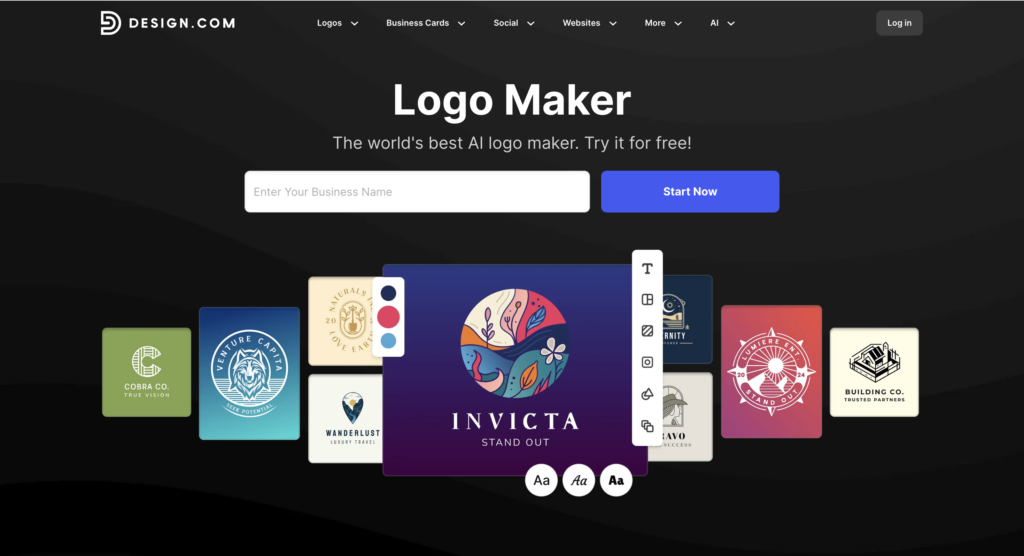
Design.com is a full branding platform built around its AI-powered logo maker. It combines one of the largest logo libraries available with a wide range of additional design and branding tools, making it more than just a logo generator.
- Logo Library Size
If you like browsing lots of options before deciding, library size matters.
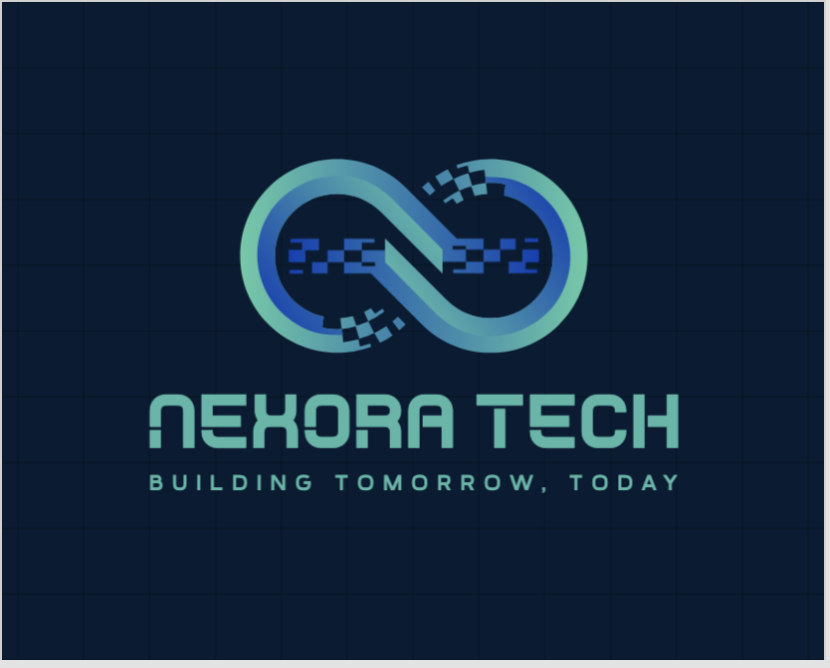
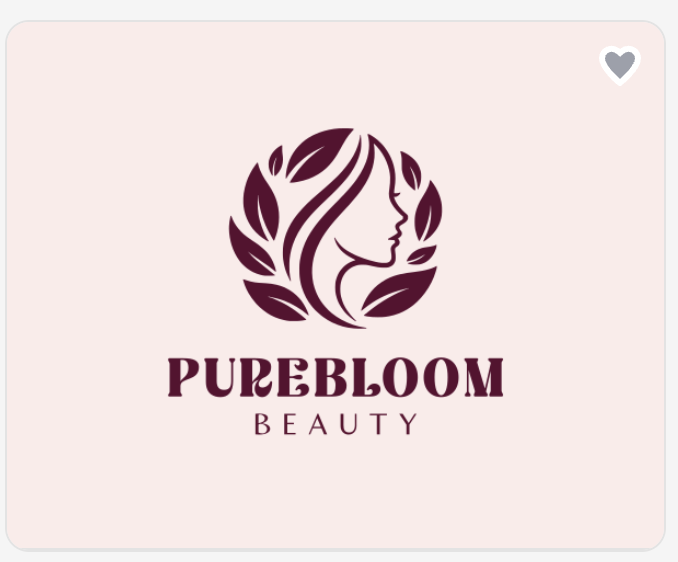
Design.com gives access to over 400,000+ logo templates, making it one of the largest logo libraries available. Across the full platform, there are more than 1 million total design templates, including branding and marketing materials. This gives users a huge range of styles and industries to explore.
Here are some examples of this:

- Editing Flexibility
After generating a logo, editing options make a big difference. Design.com allows unlimited edits. You can change fonts, colors, layouts, shapes, gradients, and curved text. The editor is easy to use but still gives you strong control over the final design.
- File Formats & Download Options
File formats matter if you plan to print your logo or scale it. Design.com offers a wide range of download formats:
- PNG
- JPG
- SVG
- EPS
- Transparent background versions
- Icon-only versions
- Animated files (GIF & MP4)
Vector formats like SVG and EPS are especially useful for printing and resizing.
- Licensing & Commercial Use
If you’re using a logo for business, licensing is important.
Design.com includes a full commercial license and also offers extended licenses. Extended licenses allow users to remove certain logo templates from the public library for added exclusivity.
- Free Options
For startups and small businesses, free options can be a big factor. Design.com offers a selection of logos that can be downloaded completely free. These free logos include:
- Vector files
- Transparent background versions
- Commercial usage rights
You also get access to the website builder, digital business card maker, and other tools for free publishing. However, downloading designs created with the broader tool suite requires a premium plan.
- Additional Branding Value
A logo is just the beginning. Some platforms offer more complete branding tools. Design.com includes over 50+ design tools, such as:
- AI website builder
- Business card maker
- Flyer and poster tools
- Social media templates
- QR code generator
- Printing services
Templates automatically match your logo colors for consistent branding.
- Pricing Structure
Design.com offers free logos and paid premium options. You don’t necessarily need a subscription just to download a logo.
Designs.ai
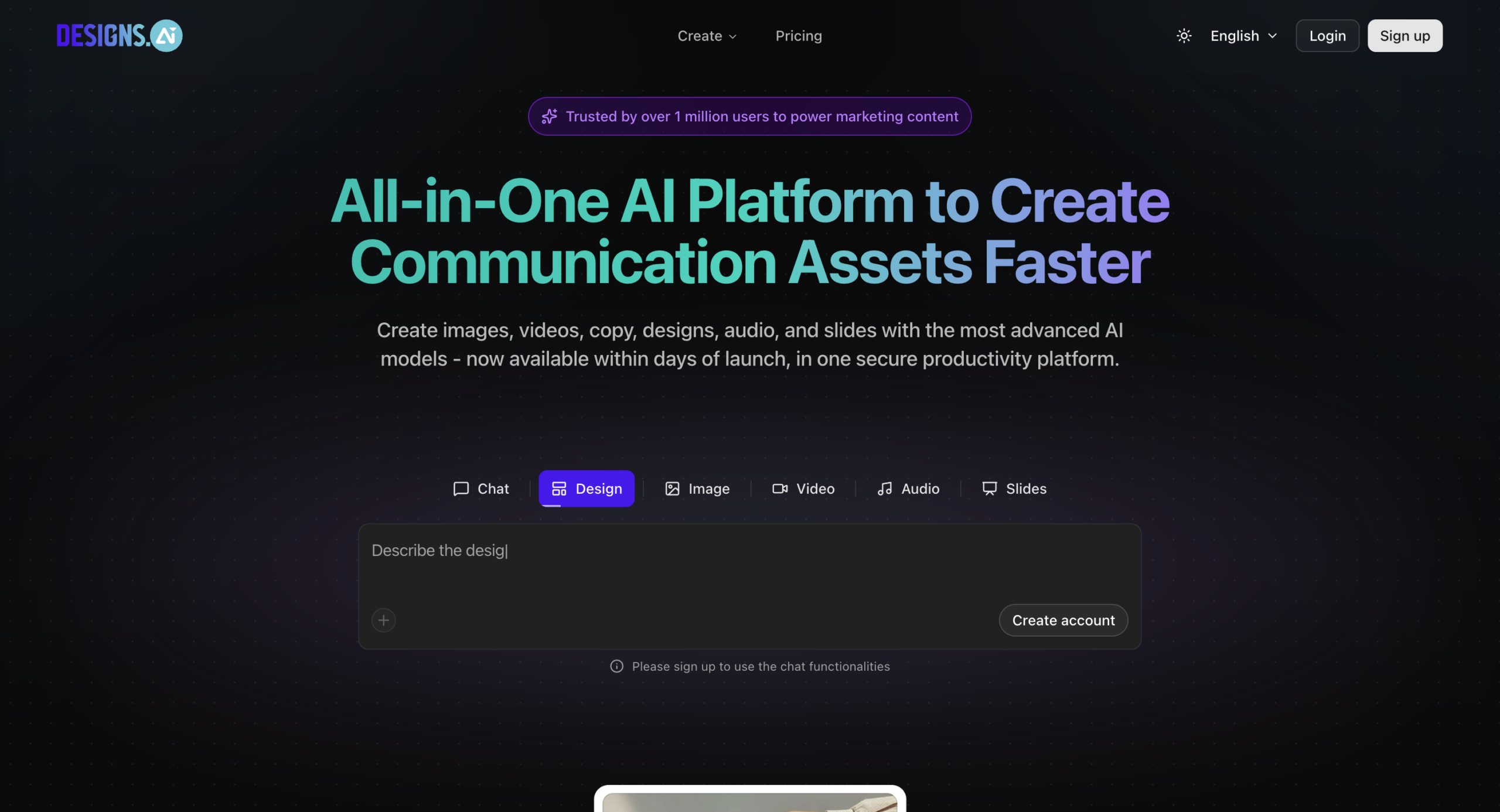
Designs.ai is an AI-powered creative platform that goes beyond logos. It focuses on automation and offers tools for video, design, and marketing content alongside its logo maker.
- Logo Library Size
Designs.ai works differently. Instead of focusing on a massive public logo library, it generates logo options based on your answers to a short questionnaire. The experience feels more guided and less about browsing thousands of templates.
- Editing Flexibility
Designs.ai lets you adjust fonts, colors, icons, and layout. The editing tools are simple and clean, but they’re more structured compared to more advanced design platforms.
- File Formats & Download Options
Designs.ai offers PNG and JPG downloads, with vector files available under paid plans.
- Licensing & Commercial Use
Designs.ai includes commercial rights with its paid plans.
- Free Options
Designs.ai allows you to preview logos for free, but you must subscribe to download them.
- Additional Branding Value
Designs.ai focuses on creative AI tools like:
- Video maker
- Speech maker
- Content creation tools
It’s more of a creative automation platform.
- Pricing Structure
Designs.ai mainly operates on a subscription model that unlocks multiple AI tools.
Wix Logo Maker
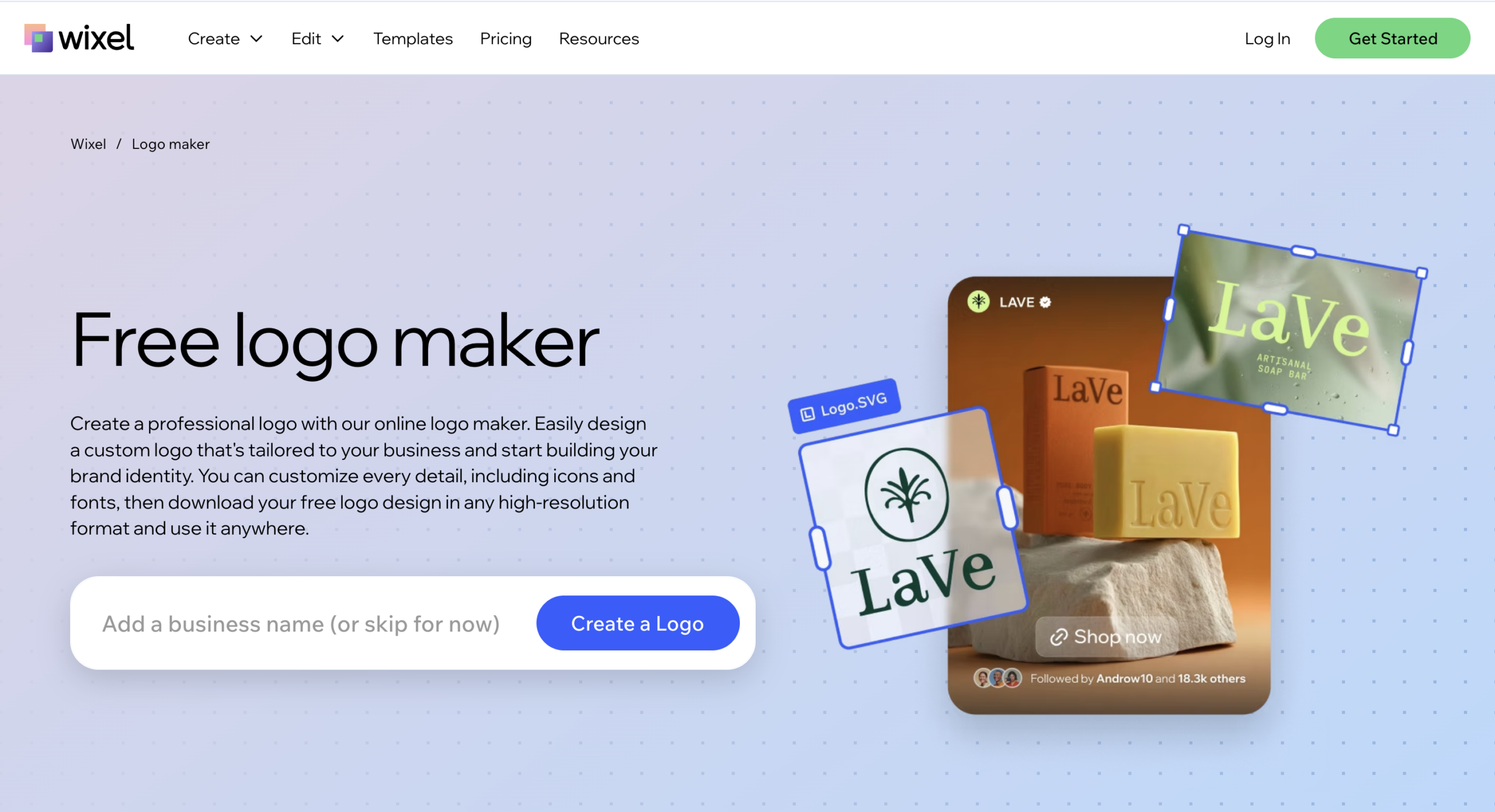
Wix Logo Maker is part of the larger Wix website ecosystem. It is designed to help users create a logo that integrates directly with a Wix-built website.
- Logo Library Size
Wix Logo Maker also uses a questionnaire-based system. You answer questions about your brand and style, and it creates logo suggestions for you. It’s more personalized than library-based.
- Editing Flexibility
Wix Logo Maker offers solid editing tools too. You can adjust spacing, fonts, colors, and layout elements. It’s flexible enough for most small businesses, though not as open-ended as a full design tool.
- File Formats & Download Options
Wix Logo Maker provides high-resolution PNG files with paid packages. Vector files are included in higher-tier logo plans.
- Licensing & Commercial Use
Wix Logo Maker also includes commercial usage rights after purchase.
- Free Options
Wix Logo Maker allows free design and editing, but downloading the logo requires payment.
- Additional Branding Value
Wix Logo Maker works closely with the Wix website builder. If you’re building a Wix site, your logo connects directly with your website design.
- Pricing Structure
Wix Logo Maker allows one-time logo purchases, while website hosting requires a separate Wix subscription.
Quick Comparison Table
| Feature | Design.com | Designs.ai | Wix Logo Maker |
| Logo Library Size | 400,000+ logo templates | AI-generated concepts (library size not emphasized publicly) | AI-generated concepts based on questionnaire |
| Free Download Option | Yes (select logos downloadable free with vector files) | No (preview only, paid plan required for download) | No (design free, download requires payment) |
| Editing Flexibility | Unlimited edits (fonts, colors, layouts, shapes, gradients) | Basic customization (fonts, colors, layout) | Structured customization (fonts, spacing, colors) |
| Vector Files Included | Yes (SVG, EPS, PDF) | Yes (with paid plans) | Yes (in higher-tier logo packages) |
| Commercial License | Included (extended licenses available) | Included with paid plan | Included with paid plan |
| Additional Tools | 50+ branding tools (websites, business cards, flyers, social media, etc.) | AI creative tools (video maker, speech maker, content tools) | Website builder integration |
| Pricing Model | Free logos available + paid upgrades | Subscription-based | One-time logo purchase (website subscription separate) |
| Best For | Full branding platform with large library | AI content creation suite users | Entrepreneurs building a Wix website |
Conclusion
All three platforms can help you create a professional logo quickly and easily. The right choice depends on what you need beyond the logo itself.
At the end of the day, it’s less about which tool is “best” and more about which one fits your business goals and budget.