
Remember how you used to draw your product images manually or hire professionals to do that for you with months of back-and-forth revisions, approvals and refinements?
Today, AI can simplify many parts of the product creation process. This helps businesses cut costs and speed up production.
In this article, we will give a general overview of what to think about when creating product images with AI. We will also mention some popular tools that are commonly used for AI-powered product content creation.
Product Photo Creation: What You Need to Know
AI can create professional product photos without a photoshoot, but the results depend on your starting point.
For example, if you have a real photo of your product, AI image generation tools can remove the background, add realistic lighting and shadows, or place it into new scenes, while keeping the actual product accurate.
On the other hand, if you’re generating the product photo from scratch with no reference, most of the AI tools can still create a product image from a text description, but you might need further customization to make your product photo match your brand identity (such as editing brand colors or adding your logo).
So, when you are using AI for creating product images, there are several points to keep in mind:
- product accuracy and brand consistency
- consistent lighting/style across your catalog,
- correct image sizing for whatever platform you’re selling on
The tools listed below handle much of this, so let’s review them one by one.
The Best AI Tools to Create Product Photos
|
Tools |
AI Product Photo Creation Features |
Pricing |
|
Krea.ai |
|
|
|
Photoroom.com |
|
Pricing starts at $7.99/month |
|
Flair.ai |
|
|
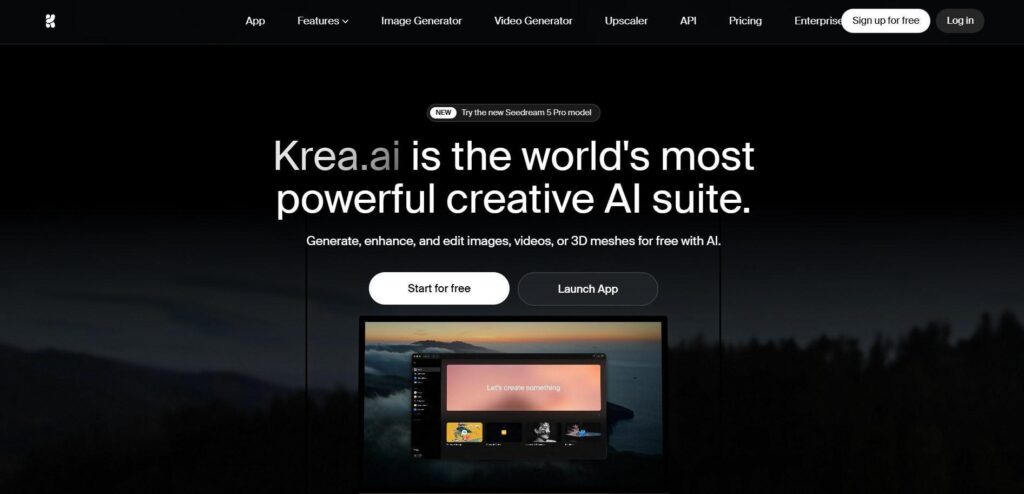
Krea.ai
The first all-in-one platform for product photo creation is Krea.ai. It covers all the necessary features for both product photo generation from scratch and editing an existing photo, supported by advanced models like Nano Banana Pro, Krea 2, and Flux.
Go for these AI image generation features for the first case:
- Text to image: Insert a text prompt or description of your product to generate your product photo.
- Real-time image generation: Describe your product in detail and watch the real-time generation process of your photorealistic product images happen in seconds.
And these features are perfect for working on an existing product image:
- AI image enhancement: Upscale the image to a 22K resolution.
- AI background remover: Remove background or place your products on white, or create a styled scene.
- AI product photography: Generate professional product images, including versions with people holding your product. Simply upload the character and product images to generate the AI product photos.
And as you get your AI-generated product images ready, you can go further by training a LoRA custom model on your product photos so that it reproduces your exact product every time, not a generic version.
Pricing
Krea.ai offers a free plan with 100 daily units as a starting point for testing its tools and features. For more features, consider Krea’s paid plans, starting at $9/month.
Photoroom.com
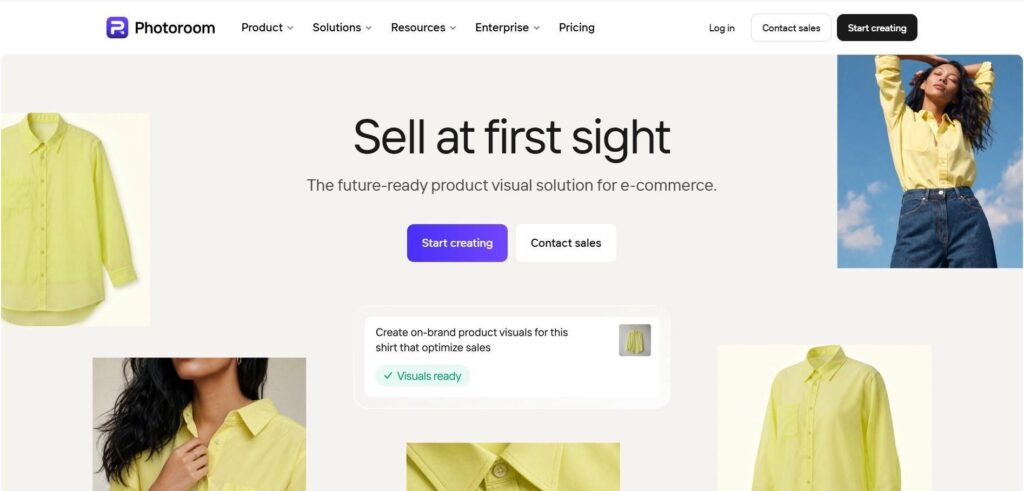
Photoroom is an AI-powered photo editor and listing studio for product photography, built specifically for e-commerce visuals and industries such as fashion and apparel, beauty and skincare, home and furniture, and more.
Photoroom lets you upload a product photo and turns it into a studio-quality shot, removing the background, adding realistic shadows, and placing it into new scenes automatically. You can also resize and adjust your product photography for different platforms like Amazon, Shopify and more.
Its core features, useful for product image generation and editing include:
- AI image and visual generation
- AI photo enhancement
- Background removing
- AI product photography
- Product staging
Pricing
Photoroom’s paid plans start at $7.99/month, including 8000 AI credits.
Flair.ai
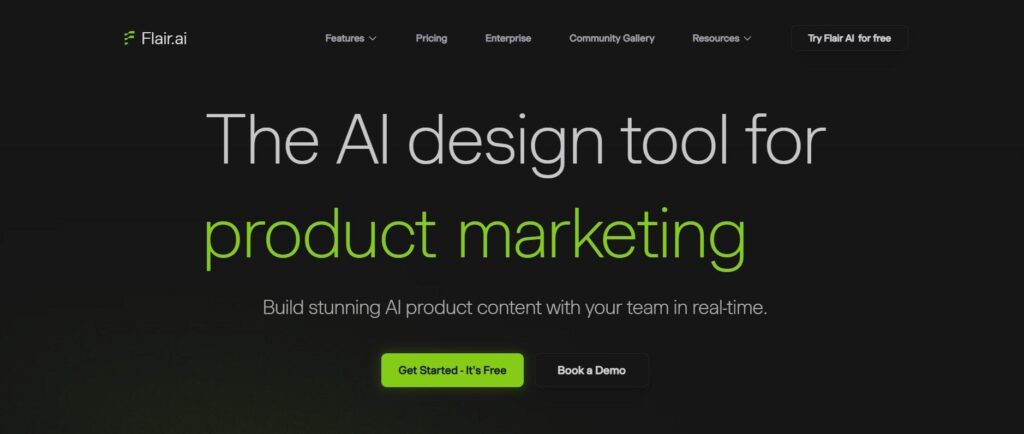
Last but not least, Flair.ai is an AI product photo generator and editor, allowing you to create real-time AI product content for different industries such as e-commerce, fashion, beauty, and jewelry.
The platform lets you drag and drop your product onto a digital scene, then AI turns it into a finished photo. It also handles on-model shots (fitting clothes onto AI models), product videos, and ads, with templates so you can reuse the same look across your whole product line.
Flair.ai’s key product creation features are:
- Instant image generation
- Bulk content generation
- On model photography
- AI product videos
- AI marketing and ads
- AI human builder
And with Flair API, you can integrate AI content generation directly into your workflow.
Pricing
You can try Flair.ai for free or upgrade to paid plans, starting at $10 per month.
Final Thoughts
Creating the perfect product photo with AI fully depends on your product, branding, and business needs. AI can assist you in many of the production tasks, but the final quality control is still in your hands.
With most of the tools offering free plans, you can test them and find the one generating the best output, just as you pictured in your head.