
Creating a professional logo is one of the first and most important steps in building a brand. The right logo maker can help you with this by saving you time and money, and giving you good-looking visuals, so you don’t need to hire a graphic designer.
The purpose of this article is to give you comparisons of BrandCrowd and FreeLogoDesign across several key factors so you can determine which logo maker will work better for your needs.
What to Expect From a Modern Logo Maker
In today’s competitive online marketplace, a logo design tool is expected to produce more than simply an icon. The most successful logo design tools offer:
- large collections of professionally created logo templates
- highly customizable font, layout, color, and image creation tools
- high-resolution and vector download files
- brand assets that are easily used on your website, social media, and print materials
- flexible pricing models with clearly defined licensing terms
Taking this into consideration, we will examine how BrandCrowd and FreeLogoDesign differ from one another.
Although both platforms have simple ways for users to create logos, there is a big difference in what each platform offers when it comes to the quality of designs created by customers, how much a customer can customize their design, etc.
BrandCrowd: A Professional Logo Maker Built for Branding
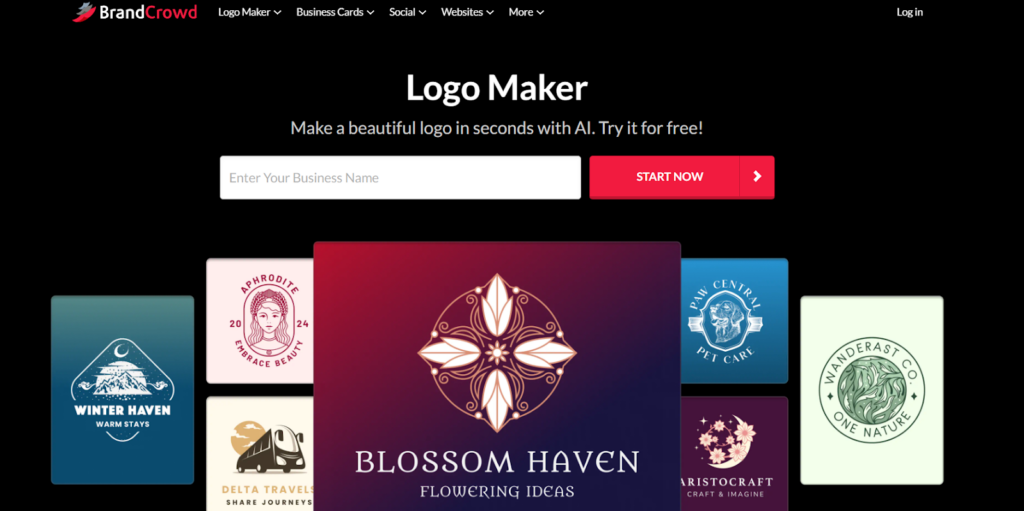
The focus of BrandCrowd is to offer companies a professional and quality logo design that has a good brand identity. BrandCrowd offers thousands of logo templates in a variety of industry-specific and style-based templates. BrandCrowd focuses on providing brand-ready designs as opposed to creating generic logos.
Strengths of BrandCrowd
- Logo Design Library։ BrandCrowd has an extensive library of logos that were professionally made and are well-balanced, modern, and polished in appearance, allowing users to use the templates for serious business applications.
- Customization Options։ Users have full customization options when using the templates. The user can choose from a variety of font options, color schemes, layout options, and symbol options. The user will also be able to make changes to each template element, such as the font, size, spacing, etc.
- Additional Brand Assets։ In addition to offering custom logo design, BrandCrowd offers pre-made designs for other common business assets, including social media pages (Facebook, Twitter, LinkedIn, etc.), business card and branded marketing materials. This feature enables users to maintain their brand image consistently throughout all of their marketing efforts.
- Download Quality։ Users who purchase a paid plan will receive a variety of exceptional download options for their new logo, including but not limited to; high resolution images and vector graphics that may be used in either a digital or printed format.
- Commercial License։ BrandCrowd is committed to providing a clear commercial license to its customers so they can safely and legally utilize their newly purchased logo for commercial purposes.
FreeLogoDesign
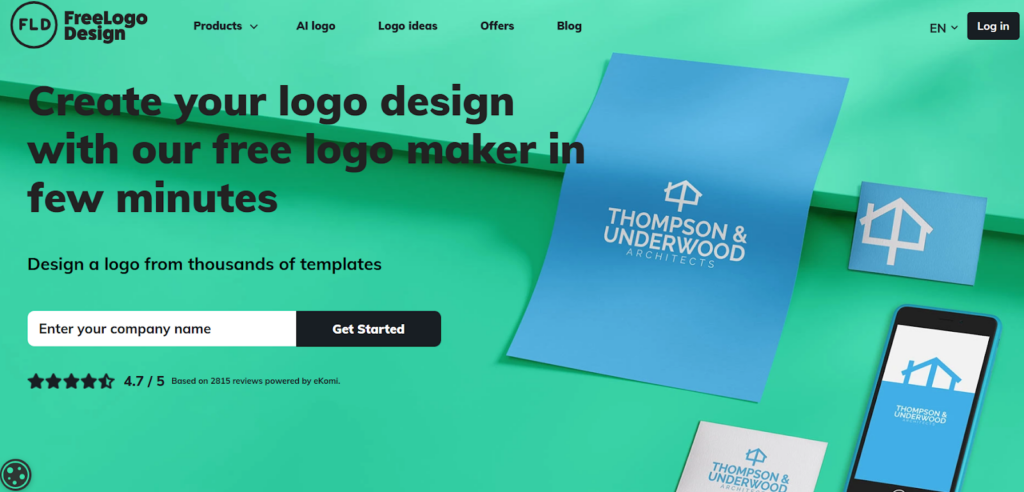
FreeLogoDesign is an easy-to-use online logo maker that creates simple logos quickly without requiring much user input. The platform prioritizes ease-of-use over advanced feature options.
FreeLogoDesign will meet the needs of early-stage businesses, but it will limit more established companies’ potential.
Key Points
- Quick, Simple, and Easy։ Make a logo in a few minutes using a Drag and Drop Logo Maker.
- No Design Experience Needed։ Easy to use interface for non-designers.
- Good Basic Branding Tools։ Logo can be downloaded in all formats (web, printing) to make it ready to go.
- You have Free and Paid Options։ Begin by downloading your logo for free, then pay for higher resolution versions.
FreeLogoDesign will give you:
- More than 1000 industry-specific templates available.
- Easily customizable options, by changing color, adding new text, or replacing icons.
- Different download options; the logos can be saved as PNG, JPG, or PDF files.
- Preview of the logo on your website and business card is also available quickly.
Since FreeLogoDesign has minimal features to collaborate with others, fewer ways to get feedback from others, and fewer people to call when needing help, it’s okay for a beginner or for creating a temporary logo.
However, while FreeLogoDesign is great for fast, budget-friendly logos, it doesn’t offer the advanced AI tools, extensive template libraries, or full branding capabilities that platforms like BrandCrowd provide.
Side-by-Side Comparison
| Feature | BrandCrowd | FreeLogoDesign |
| Templates & Design | 350K+ logos, 1M+ templates, professional designer-created, exclusive logos | Limited templates, basic designs |
| AI Tools | AI logo generator, business name generator, AI text & icon editing | Basic editing only |
| Fonts & Icons | 750+ fonts (525+ exclusive), 62K+ vector shapes | Limited fonts & icons |
| File Formats & Animation | SVG, EPS, PDF, PNG, JPG, GIF, MP4, transparent backgrounds | Mostly PNG, no animation |
| Branding & Printing | 50+ branding tools, auto color consistency, print merchandise with free delivery | Logo only, limited extra tools |
| Collaboration & Support | Favorites, voting polls, 24/7 email & chat | Minimal collaboration and support |
| Global Access | Multiple languages & local currencies | Mostly English, USD only |
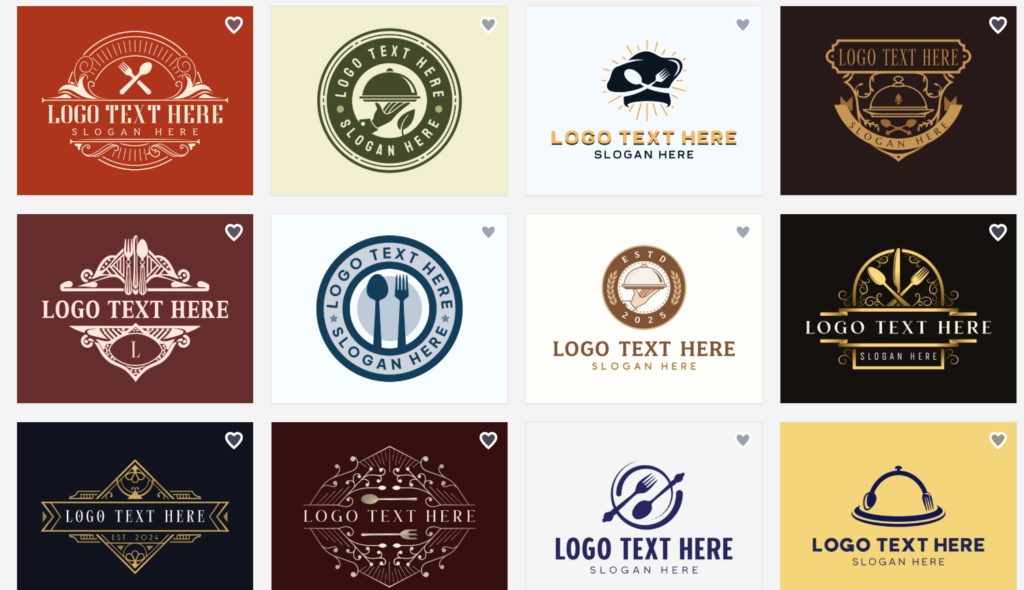
Made With BrandCrowd
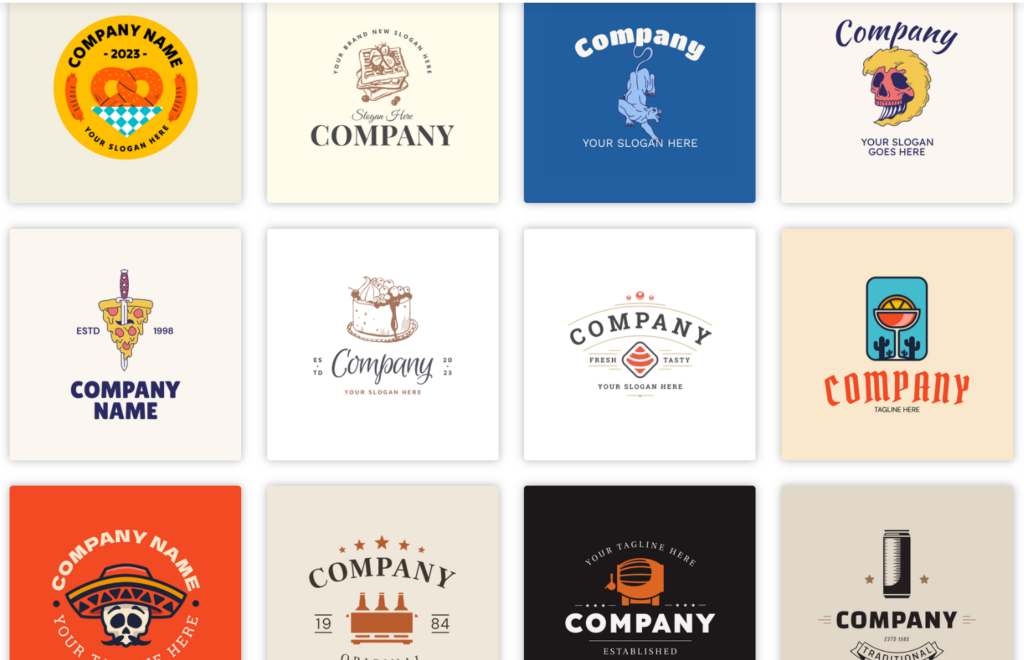
Made With FreeLogoDesign
Final Words
Compared to BrandCrowd and FreeLogoDesign, BrandCrowd has better performance. It has a large number of professional logo templates, uses artificial intelligence, provides exclusive fonts and shapes, allows users to create a full brand identity, and offers designs that are safe for commercial use. In other words, BrandCrowd is more than just a logo maker; it is a total branding solution.
Are you ready to create your perfect logo and complete brand identity? Begin creating your logos, business cards, social media assets, and much more at BrandCrowd now. All of these items will be created from the same place.